Motion Design · Explainer Films
Explainer Videos — Playscape
Selected explainer videos created during my time at Playscape, using motion design, practical examples, and clear visual storytelling to make complex ideas easier to understand.
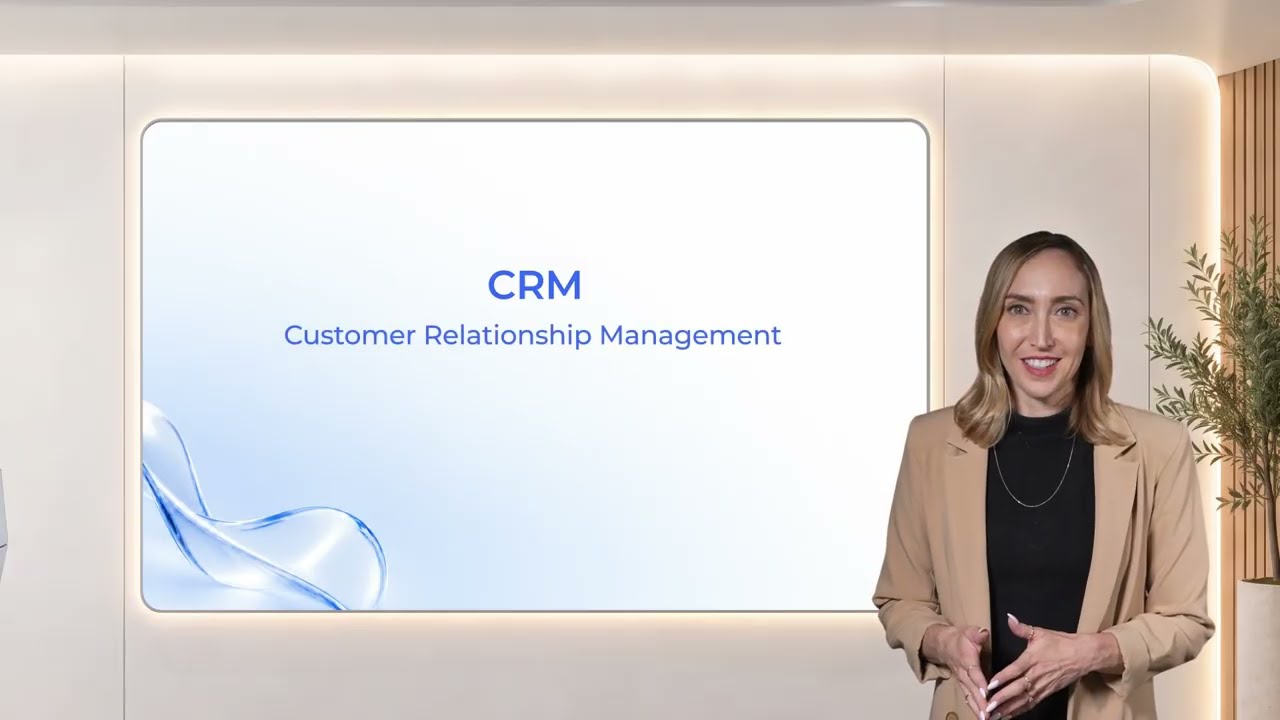
Making CRM Easy to Understand
This explainer breaks down how a CRM system works through a clear visual story. Working from a prewritten script and voiceover, I used practical examples, supporting graphics, and paced animation to make the system’s functions easier to follow.
I defined a restrained, contemporary visual language designed to communicate professionalism and credibility. Visual elements appear progressively alongside the explanation, directing attention to relevant ideas while limiting visual and cognitive overload.
Visual Direction · Visual Asset Creation · Motion Design · AI-Assisted Scripting
From Creative Direction to Scripted Animation
I used AI to help translate detailed creative instructions into an After Effects script that built graphic elements and generated animation keyframes.
- 01
Creative Direction
I provided the written script and voiceover, specified the graphic elements, and defined which words to emphasize, when the emphasis should appear, and how each element should move.
- 02
AI-Assisted Scripting
AI helped develop a script that translated these instructions into graphic elements and animation keyframes for After Effects.
- 03
After Effects Refinement
I ran the script in After Effects, then manually fine-tuned the generated keyframes to align the animation precisely with the pace of the voiceover.


One Visual Language, Three Explainers
These three explainers were created within an established visual language at Playscape. My focus was to communicate each message clearly through card-based layouts, animated graphics, and practical examples drawn from real-world situations.
The cards organized information into manageable sections, while the examples gave the explanations concrete visual references. Across all three videos, I adapted the visuals and motion to the existing style, maintaining a consistent look and feel throughout the series.
Visual Asset Creation · Motion Design · Adaptation to an Existing Visual Language